
THE USEFUL PART
- A gripper moves selected objects; a carrying platform moves equipment already attached to it.
- Compare the complete routine, including setup, loading, recovery and maintenance.
- Keep installed capabilities separate from trade-show demonstrations and promised updates.
Start with the chore you want to remove
A robot that cleans underneath a sock and a robot that carries a camera solve different household problems. Before comparing their specifications, finish this sentence: I want the robot to do this particular job while I do something else. Include the starting condition and the result. A useful example is clearing a small obstruction and cleaning that patch of floor. Another is moving an already mounted camera to a place where it can show the pet bed.
This guide compares the published designs of Saros Z70 and SwitchBot K20+ Pro. We have not tested either robot. The distinction is useful because an extra mechanism can look like general home assistance while addressing only one narrow part of a chore. Write down what a person must do before the robot starts, what the robot does and who handles the final step. That short sequence is more informative than a list of possible uses.
A small gripper has a defined job
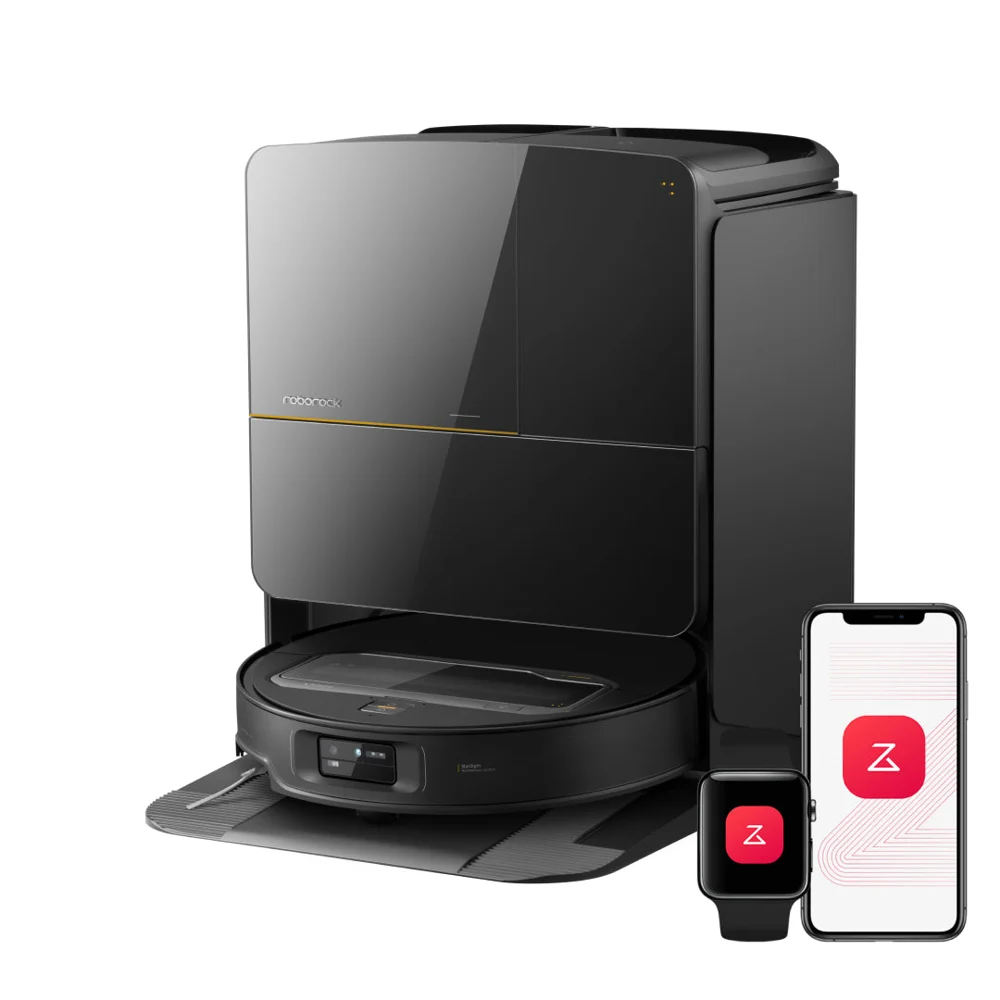
Roborock describes Z70 as a vacuum and mop robot with a five-axis arm and a 300 g lifting limit. The arm needs activation. The practical question is which objects the installed software can relocate in your room. Obstacle recognition and successful gripping are separate capabilities: detecting something does not establish a grasp that will hold it.
For a demonstration, specify the object and destination before it begins. Ask to see an ordinary placement, a failed pickup and the recovery. Record whether the person opens the app, repositions the item or clears the route. A lightweight object can still be awkward to grip. Do not turn a published weight limit into a promise that every lighter item is suitable, and do not test objects outside the manufacturer's operating instructions.
A mobile base carries what you install
K20+ Pro combines a vacuum with a Mobile Base. Its listed box contents include a camera bracket, which does not establish that a camera is included. SwitchBot support names the Pan/Tilt Cam Plus 2K and Plus 3K as compatible cameras and excludes other brands from that workflow. Choose the accessory before comparing the package price.
Loading is a separate step from movement. If your intended job requires picking a cup off a counter, transporting an accessory already fixed to a platform does not complete it. Draw the route through your home and identify who attaches, powers and removes the load. Check passage width with the accessory installed, not only the vacuum underneath. Treat anything not confirmed for the selected configuration as an open purchase question.
Measure the routine, not the headline
Compare successful completed chores over repeated attempts. Include preparation, time spent intervening and the reset before the next run. For a camera accessory, the useful result is a view from the intended location; for cleaning, it is the required area cleaned without an unplanned rescue. A short successful clip supplies one example, not a household reliability rate.
Power is also a system question. SwitchBot publishes different Mobile Base runtimes for different attached devices and settings. Use the configuration you intend to operate. For both products, budget the items that wear out, the space occupied by the station and the time spent maintaining the equipment. A station that automates part of cleaning still deserves a reachable place in the room.
Keep new announcements in their proper place
Roborock's September 2026 IFA page also presents Saros 20 Flow. Its product page describes crossing a double-layer threshold of up to 8.8 cm, specified as 4.5 cm plus 4.3 cm under manufacturer test conditions. That is a different claim from climbing an ordinary staircase. A new navigation mechanism does not settle your own threshold geometry or local purchase availability.
Before ordering, save the exact regional offer, accessory list and current software requirements. Agree which camera functions you want enabled and who may use them. Then compare these two profiles for the job you wrote at the beginning. The useful choice is the configuration that covers that job with an acceptable amount of your attention, rather than the one with the longest list of future possibilities.