
FILAMENT PRINTING / ANYCUBIC
Anycubic Kobra 3 V2
A desktop filament printer offered alone or in ACE Pro bundles for multicolor printing.
Check the exact configuration, regional price, required accessories and delivery terms with the manufacturer.
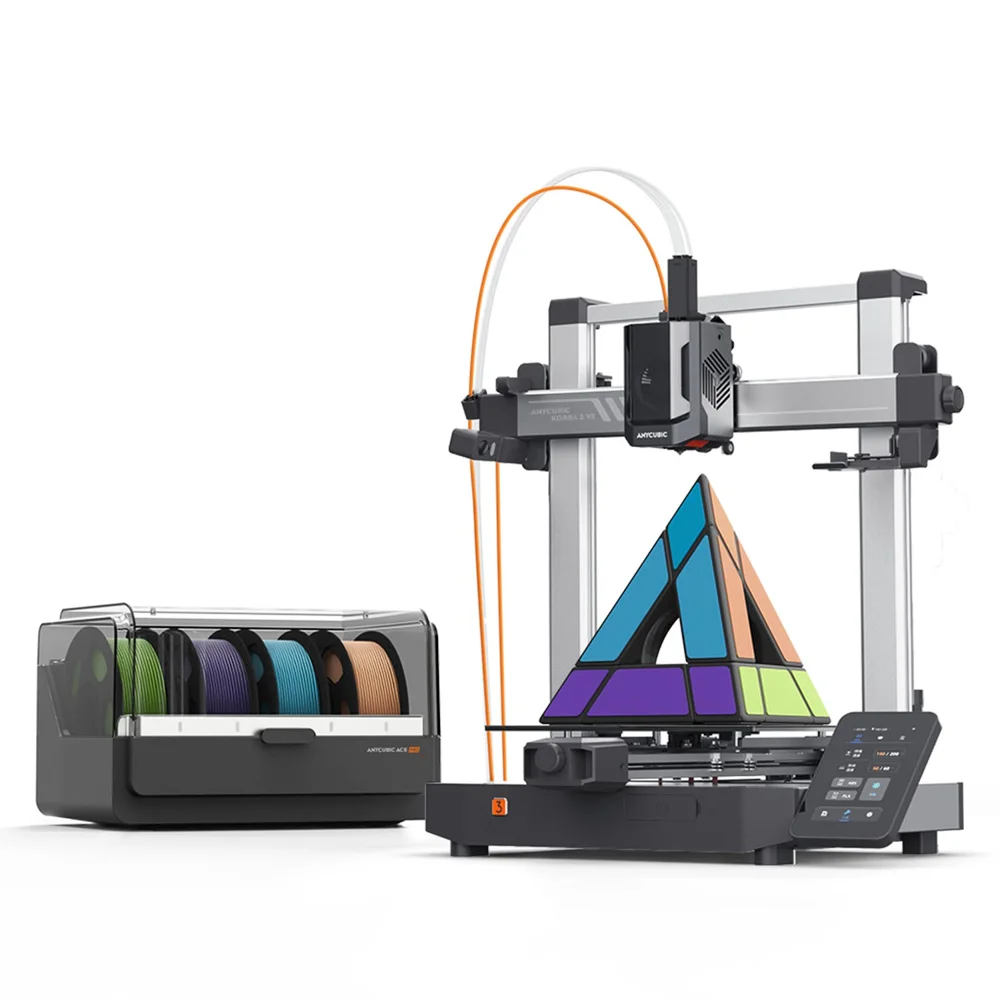
THE WORKING ENVELOPE
255 x 255 x 260 mm
Published build volume. Check orientation, supports and machine-specific margins when preparing a part.
MATERIAL CONTEXT
Match the material to the job.
Confirm filament compatibility separately for the printer and the ACE Pro. The base printer and four-color or eight-color bundles have different included hardware.
FROM FILE TO PART
The workflow
around the printer.
Use the matching Anycubic slicer profile, prepare the file and review the printer manual before selecting any ACE Pro configuration.
Follow the manufacturer's handling, maintenance and ventilation instructions for the exact machine and material. A printer's build volume alone does not establish that it can make your part well.
ROBOT-BUILDING CONTEXT / SMALL PROTOTYPES
What it could make for your robot.
Our application assessment based on the linked specifications. These are candidate uses, not tested parts or certified load ratings.
Good starting jobs
- Enclosure panels and everyday prototype parts.
- Multi-filament workflows when color actually helps identify assemblies.
Check before printing
- Check the supported material and nozzle pairing.
- Do not equate a filament-handling accessory with a heated build chamber.
Budget beyond the machine
- Printer-only versus ACE Pro package.
- Purge waste and maintenance when changing colors.
FOLLOW THE EVIDENCE
Sources & further reading
Checked . Product information describes published documentation, not our own hardware testing.